



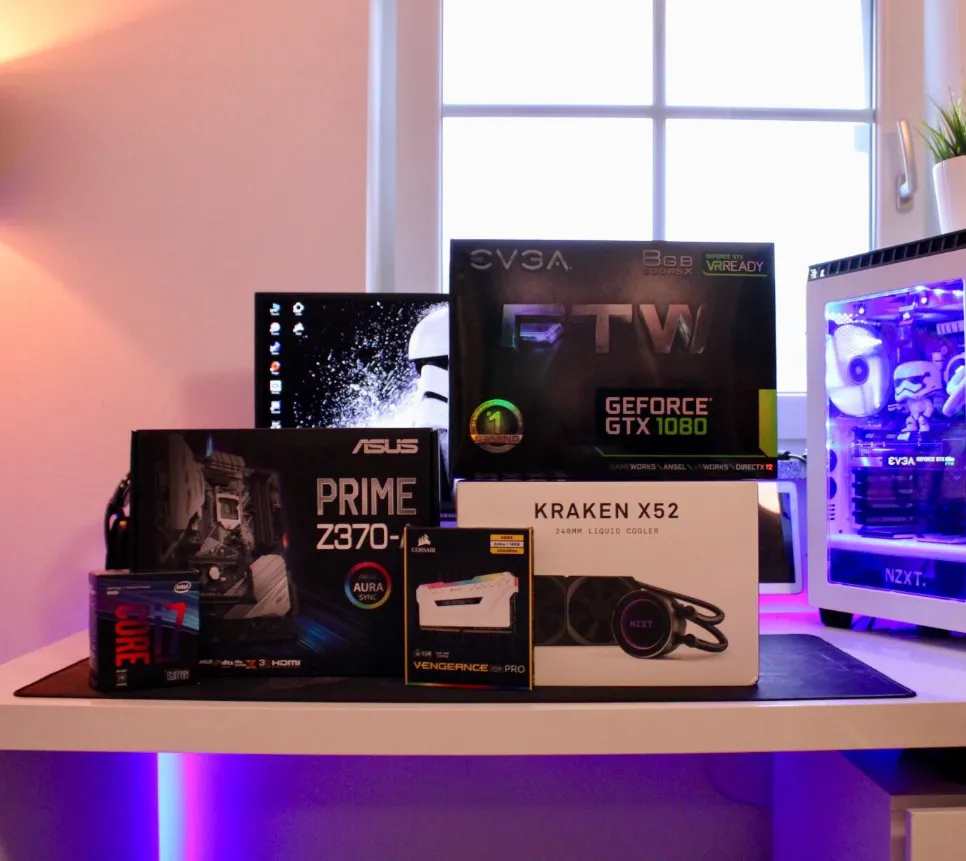
In the ever-evolving world of gaming technology, your PC can quickly become outdated as new games and software push hardware to its limits. Recognizing when it’s time to upgrade your gaming PC is essential for maintaining high performance and an enjoyable gaming experience. If you’re noticing any of the following signs, it might be time to consider upgrading your system.
1. Declining Game Performance
One of the clearest indicators that your PC needs an upgrade is a drop in gaming performance. If you’re experiencing frequent frame rate drops, stuttering, or the need to lower graphics settings to maintain smooth gameplay, it’s a sign that your system is struggling to keep up with modern games.
Frame Rates Matter
Frame rates, measured in frames per second (FPS), are crucial for smooth gameplay. If you notice FPS consistently below 30 on games that once ran smoothly, it’s a strong signal that your hardware is no longer meeting the demands of new titles. For a more detailed understanding of FPS and its impact on gaming, check resources like NVIDIA’s guide.
Lower Graphics Settings
If you’re regularly adjusting graphics settings from high to medium or low to maintain performance, it indicates that your GPU or CPU is no longer capable of handling the latest games efficiently. Even with lowered settings, lagging gameplay could point to an aging graphics card or insufficient RAM.
Slow Load Times
Older storage devices like HDDs can significantly increase load times for games. Switching to an NVMe SSD can drastically reduce load times and provide a much faster and more enjoyable gaming experience.
2. Incompatibility with New Titles
As developers use more advanced technologies in new game releases, older PCs may struggle to meet the minimum or recommended system requirements. If you’re unable to run new games or encounter constant crashes, it’s a clear sign that your system needs an upgrade.
Minimum vs. Recommended Specifications
Meeting only the minimum system requirements might let a game run, but to fully enjoy it, aim for the recommended specifications. Regularly checking the system requirements for upcoming games can help you determine if it’s time to upgrade before new releases arrive.
Missing Out on New Features
Newer CPUs and GPUs support cutting-edge features like ray tracing, DLSS (Deep Learning Super Sampling), and enhanced multi-threading. If your system can’t support these features, you’re missing out on key advancements in gaming. Upgrading your hardware will unlock these features and improve your gaming experience.
3. Hardware Bottlenecks
Over time, different components in your system may become bottlenecks, limiting the performance of your PC. For example, an older CPU might hold back the potential of a newer GPU, preventing you from achieving optimal performance.
Identifying Bottlenecks
Using system monitoring tools, you can check the performance of your CPU, GPU, and RAM during gameplay. If one component is always maxed out while others remain underutilized, it’s likely a bottleneck. For instance, if your CPU is at 100% while your GPU is underutilized, your processor is limiting performance.
Storage Constraints
As games become larger, storage space can become an issue. If you’re constantly swapping games in and out of your storage due to limited space, upgrading to a larger and faster NVMe SSD can solve this problem and speed up load times.
4. Outdated Technologies
New gaming technologies are constantly being introduced, and if your PC lacks support for them, you’re missing out on a richer gaming experience. Features like ray tracing and VR support are now common, and older systems may not be capable of fully leveraging these advancements.
Ray Tracing and Graphics Enhancements
Ray tracing adds realistic lighting and reflections to games, providing a more immersive experience. If your GPU doesn’t support ray tracing, upgrading to a newer model will significantly improve your visuals in compatible titles.
Virtual Reality (VR) Gaming
VR gaming requires powerful hardware, including a high-performance GPU, ample RAM, and compatible ports. If you’re interested in VR gaming but your system doesn’t meet the necessary specs, an upgrade is essential to enjoy VR experiences.
5. System Instability
Frequent crashes, overheating, and strange noises from your PC are signs that your hardware is aging. Components like fans, power supplies, and thermal paste degrade over time, leading to instability and potential failures.
Overheating
Constantly high system temperatures can cause thermal throttling, where the CPU or GPU reduces performance to avoid overheating. Regular maintenance, such as cleaning dust from internal components, can help. However, if overheating continues, it may be time to replace your cooling system or upgrade outdated hardware to prevent damage.
Conclusion
If you’re experiencing any of the signs mentioned above, it may be time to start thinking about upgrading your gaming PC. Whether it’s declining performance, compatibility issues, or outdated technologies, a hardware upgrade can breathe new life into your system, improving gaming performance and enhancing your overall experience.
