



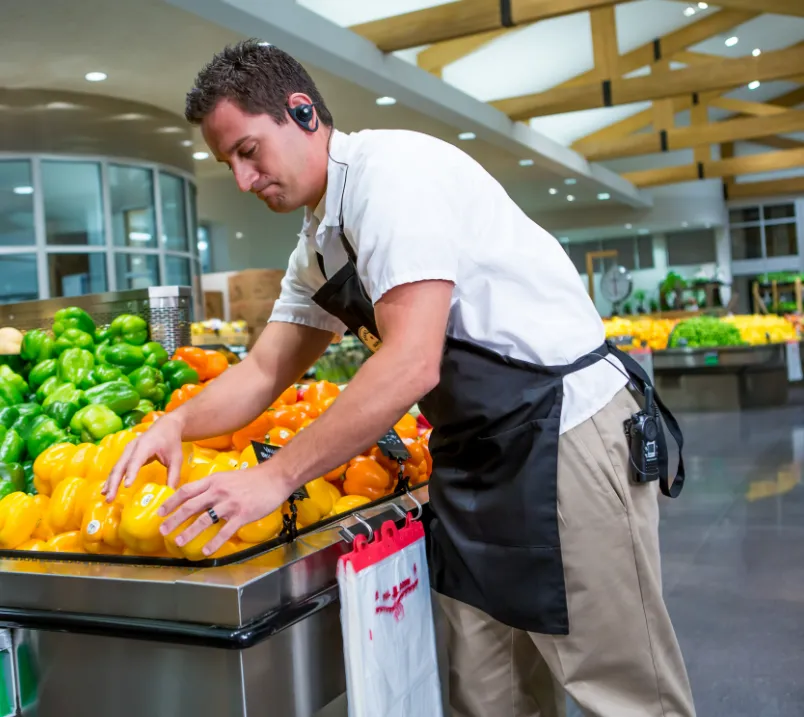
Running a grocery store is an operations challenge unlike anything else in retail. With tight margins, unpredictable foot traffic, and thousands of perishable items, your team’s performance has a direct impact on both customer experience and profitability. One missed restock, a poorly timed break, or confusion around responsibilities can ripple through an entire shift.
Strong employee management keeps departments coordinated, reduces shrink, and helps your staff stay productive without burning out. Below are ten practical strategies—supported by the tools in a modern grocery POS system—that can help your store operate more efficiently.
1. Build Schedules That Match Real Demand
Grocery traffic changes by the hour, so fixed schedules rarely work. Early-morning prep, late-night stocking, and unpredictable surges require flexibility.
A more effective approach includes:
- Rotating weekends to keep workloads fair
- Using split shifts during peak midday or evening windows
- Bringing on part-time help during seasonal spikes
Your POS can show hourly sales patterns, making it easier to place extra team members where they’re needed and assign low-priority tasks during quiet times.
2. Create Clear, Measurable Sales Goals
Every department influences revenue. Cashiers drive loyalty sign-ups, deli staff upsell prepared sides, and department managers reduce waste through better forecasting.
Use your POS data to:
- Track sales by employee or department
- Set achievable goals tied to weekly and seasonal trends
- Recognize standout performers with small rewards or public shoutouts
When goals are transparent and progress is easy to monitor, your team is more motivated to hit their targets.
3. Use Performance Reviews to Encourage Growth
Reviews work best when they rely on data, not guesswork. Employees respond positively when evaluations feel fair and specific.
Helpful POS metrics include:
- Speed and accuracy at checkout
- Upsell rates or loyalty enrollments
- Refund and void activity
- Department-level shrink
Turning these insights into coaching moments helps employees improve without feeling discouraged.
4. Boost Engagement With Real-Time Recognition
In grocery retail, momentum matters. Recognizing good work right away—rather than waiting months—keeps morale high.
You can use POS dashboards to:
- Spotlight high-performing employees
- Celebrate busy weekends or major improvements
- Keep a friendly competition going between shifts or departments
Short, timely feedback has a bigger impact than delayed praise.
5. Simplify Task Assignment
When responsibilities aren’t clear, work gets duplicated or forgotten. A structured checklist ensures consistency across shifts.
Your POS can support this by:
- Displaying tasks as employees clock in
- Assigning priorities to specific roles
- Alerting managers when tasks are repeatedly missed
This keeps daily operations predictable and reduces friction between shifts.
6. Train Staff on FIFO and Reinforce It Daily
First in, first out is essential in any store that sells perishables. Departments like produce, dairy, and the deli rely on proper rotation to reduce waste.
Your POS can help by:
- Highlighting products nearing expiration
- Tracking delivery and restock dates
- Assigning rotation tasks to specific employees or shifts
Consistent FIFO practices protect margins and cut down on spoilage.
7. Use Role-Based Permissions to Prevent Errors
Not every employee should have the ability to issue refunds, change prices, or pull financial reports.
A strong POS system lets you:
- Limit access based on job title
- Log overrides to identify patterns
- Add extra controls around high-theft or regulated items
Permission controls reduce risk and make it easier to identify training or security issues early.
8. Strengthen Training With Real Store Data
Training becomes more meaningful when tied to actual store performance. Showing employees real examples helps illustrate why accuracy and consistency matter.
You can incorporate POS data into training by:
- Demonstrating how errors increase shrink
- Reviewing sales flow to explain why certain shifts need extra support
- Walking through a complete transaction to eliminate common mistakes
This helps employees see the bigger picture behind everyday tasks.
9. Build Trust Through Transparency
Grocery teams work best when they understand the store’s goals and how their contributions fit into the broader operation.
Use your POS data to:
- Share high-level performance results
- Break down department wins
- Visualize trends like customer counts or reduced waste
A culture of openness encourages staff to take pride in their work and stay with your store longer.
10. Automate What You Can—But Keep People at the Center
Automation reduces repetitive tasks and frees employees to focus on service and merchandising. Your POS can automate routine work like:
- Low-stock alerts for top sellers
- Daily or weekly sales summaries
- Seasonal reorder points
These efficiencies give your team more time to assist customers, maintain displays, and support other departments.
Why Strong Employee Management Depends on the Right Tools
Managing a grocery workforce requires both people skills and reliable systems. With the right POS tools in place, you can streamline communication, reduce mistakes, and build a more confident, coordinated staff.
