



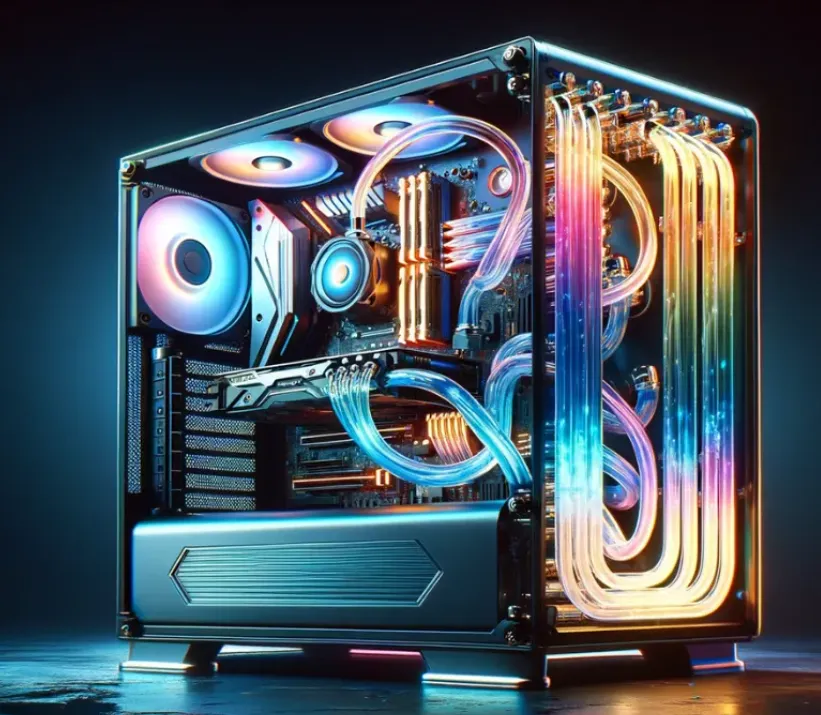
The world of gaming hardware evolves quickly, and keeping your system relevant for several years requires thoughtful planning. Whether you’re assembling a custom build or purchasing a complete setup, choosing the right components and maintaining your PC properly will help it stay powerful well into the future. Here’s a practical guide to building a gaming PC in 2025 that can stand the test of time.
What “Future-Proofing” Really Means
Future-proofing doesn’t mean your PC will never need upgrades—it means making choices that allow it to remain capable as game requirements grow. This involves selecting strong hardware, ensuring upgrade options are available later, and keeping your system in good condition. When done right, your PC can stay competitive far longer than a basic setup.
1. Choosing a Processor That Lasts
Selecting the right CPU is one of the most important decisions in future-proofing. Gamers often wonder whether to choose Intel’s i7 or i9 series, or whether AMD Ryzen might offer better long-term value.
Intel Core i7 vs. i9
The i9 series offers top-end performance ideal for multitasking, streaming, and demanding games. Meanwhile, modern i7 processors remain excellent choices for gaming at a lower cost.
- Intel Core i9: Best for heavy workloads and maximum gaming performance.
- Intel Core i7: A cost-effective option that still delivers excellent speeds.
AMD Ryzen for Longevity
AMD’s Ryzen 7000-series processors also stand out thanks to their efficiency and support for new standards like PCIe 5.0 and DDR5 memory. For users who prioritize flexibility and future upgrade paths, Ryzen offers a solid platform.
If your focus is primarily on gaming, a high-end i7 or Ryzen equivalent is enough. For those who plan to multitask heavily or want maximum performance headroom, an i9 or high-tier Ryzen processor is the better long-term choice.
2. Picking the Right Graphics Card
Your GPU has more influence on gaming performance and longevity than almost any other component. Modern GPUs add support for advanced features such as ray tracing and AI-powered upscaling that future games will increasingly rely on.
Strong GPU Options for 2025 and Beyond
- NVIDIA RTX 40-Series: Known for excellent ray tracing and DLSS 3 frame generation.
- AMD Radeon RX 7000 Series: Delivers strong performance and great value with FSR support.
For a system built to last, aim for at least an RTX 4070 or equivalent to handle upcoming AAA games smoothly at high settings.
3. Maintaining Your PC for Long-Term Performance
Even the most powerful hardware can degrade quickly if it’s not well-maintained. Dust accumulation reduces airflow, raises temperatures, and can shorten component lifespan. Keeping your PC clean is one of the simplest ways to preserve performance.
Why Cleaning Matters
- Prevents overheating and thermal throttling
- Improves hardware stability
- Extends the lifespan of fans, GPUs, and cooling systems
- Keeps performance consistent over time
Routine cleaning and proper airflow can go a long way toward ensuring your PC keeps running smoothly.
4. Ensuring Upgradeability
A future-proof PC must be easy to upgrade. When planning your build or purchase, choose a platform that allows for updates to key components later.
Parts You Should Be Able to Upgrade Easily
- RAM: Choose 32GB or more for long-term use.
- Storage: Select NVMe SSDs and leave room for additional drives.
- Motherboard: Ensure support for future CPUs and PCIe 5.0 graphics cards.
- Power Supply: Use a high-wattage, high-quality PSU with room for upgrades.
Planning ahead ensures you won’t need to replace your entire system when you eventually want more power.
5. Finding a Reliable Builder or Vendor
If you’re in Arizona and want a gaming PC that stays relevant for years, working with a company focused on custom gaming systems can be valuable. Whether you want a fully personalized build or a tested prebuilt system, having expert support helps you get the best performance and longest lifespan from your investment.
Final Thoughts
Future-proofing your gaming PC is an investment in stability, performance, and longevity. By choosing capable components, planning for upgrades, and keeping your system clean, you’ll enjoy smooth gameplay and strong performance for years. Smart choices today will make your PC more adaptable as gaming technology continues to advance.
