



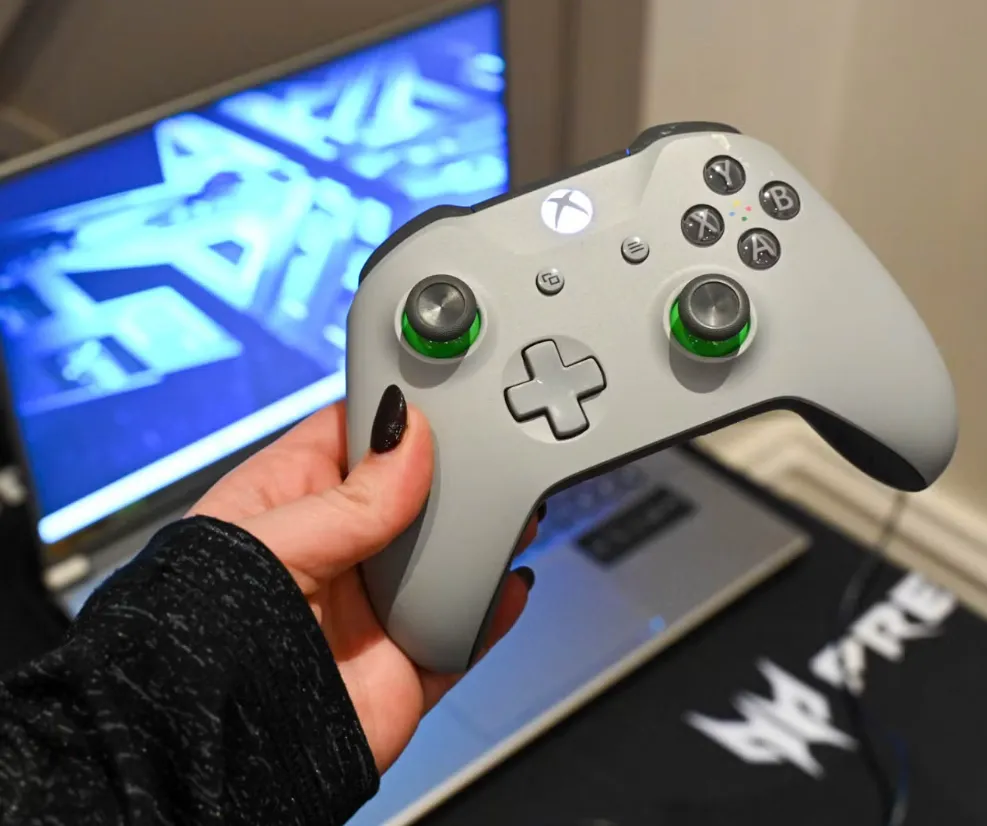
Gaming has come a long way, and now the opportunity to play Xbox games directly on your PC makes gaming even more versatile and enjoyable. If you’re a fan of Xbox games but prefer the flexibility of using a PC, this guide will show you exactly how to play your favorite Xbox titles on your computer. Let’s break it down step by step.
What is Xbox Play Anywhere?
Before we dive into the technical side of things, it’s essential to understand Xbox Play Anywhere. This program allows you to buy a game once and play it on both Xbox consoles and Windows PCs. Not only that, but your game progress and achievements are synced across both platforms, so you can pick up where you left off, whether you’re on your Xbox or your PC. However, not every game is part of this program, so keep an eye out for the Xbox Play Anywhere logo when purchasing games.
What You’ll Need to Get Started
To start playing Xbox games on your PC, there are a few things you’ll need:
- Windows 10 or Later: Make sure your PC is running Windows 10, as this ensures the best compatibility with Xbox games and provides the necessary features for smooth gameplay.
- Xbox Account: You’ll need an Xbox account to access the games. If you already have one, you’re good to go; if not, creating an account is quick and easy.
- A Decent PC Setup: While Xbox games on PC don’t demand the same hardware as some high-end PC games, you’ll still need a capable computer. A solid gaming PC with decent specs will ensure that your Xbox games run smoothly.
Crossplay and Xbox Live Integration
One of the best features of playing Xbox games on PC is the integration with Xbox Live. This feature allows you to play multiplayer games with your friends, whether they’re on an Xbox console or another PC. You can also join parties, send messages, and enjoy the full social experience that Xbox offers, all from your computer.
How to Play Xbox Games on Your PC: Step-by-Step
- Download the Xbox App: The first step is to download the Xbox app from the Microsoft Store. This app acts as your hub for accessing Xbox games and services on your PC.
- Log In to Your Xbox Account: Open the Xbox app and log in using your Xbox account credentials. This is important because it will give you access to your game library and any achievements you’ve earned.
- Browse Your Game Library: Once you’re logged in, you’ll see all the games linked to your Xbox account. If a game is part of the Xbox Play Anywhere program, you’ll see it available for download.
- Download and Start Playing: When you find the game you want to play, simply click on it, and you’ll see an option to download it if it’s part of the Xbox Play Anywhere program. After the download is complete, click ‘Play’ and jump right into the action.
With just a few simple steps, you’ll be enjoying your Xbox games on your PC. It’s a seamless experience that bridges the gap between console and PC gaming, making your gaming library even more accessible.
