



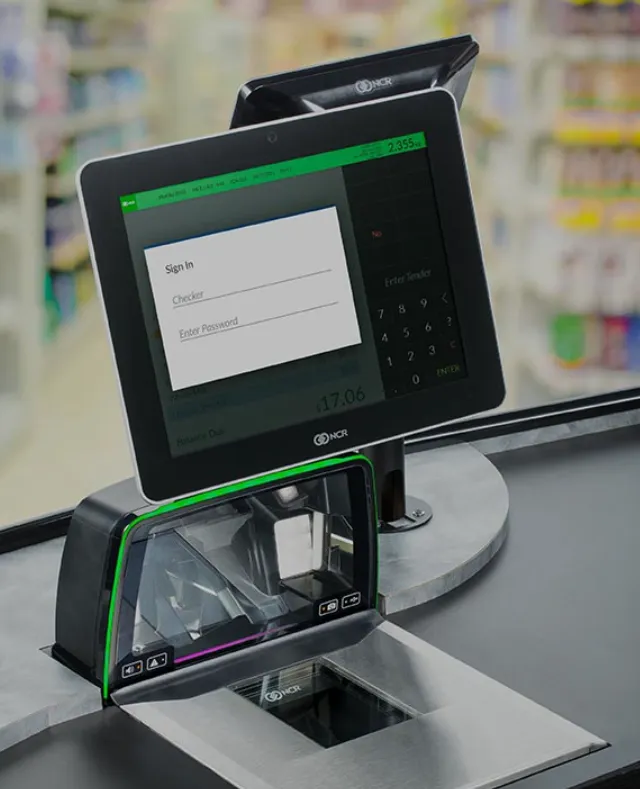
Grocery stores operate on some of the smallest margins in retail, which means inefficiencies can quietly drain profits. From handling perishables to managing multiple payment types, your point-of-sale system has a direct impact on your bottom line. If your POS can’t keep up with your store’s needs, you may be losing money without realizing it.
This guide explores what to look for in a grocery-focused POS system and highlights six strong providers to help you choose the right fit.
Essential POS Features Every Grocery Store Should Have
Grocery stores face unique operational challenges that typical retail systems aren’t always built to handle. Before choosing a POS, make sure it includes features designed specifically for grocery environments.
Important capabilities include:
- Robust inventory tracking with automatic low-stock alerts
- Support for weighted items such as produce and deli meats
- Flexible payment acceptance, including EBT Food, EBT Cash, EMV, and contactless options
- Self-checkout tools to reduce wait times
- Built-in loyalty programs to encourage repeat business
- Seamless integration for online ordering and delivery
When a POS system lacks these essentials, everyday tasks become slower and more error-prone.
How to Choose the Right POS for Your Grocery Store
With so many systems available, narrowing down your options can feel overwhelming. A simple four-step approach can help guide your decision.
1. Review Your Current Operations
Think about your average transaction volume, number of registers, and whether you plan to operate multiple locations. Also consider how comfortable your staff is with new technology.
2. Establish a Realistic Budget
Don’t focus only on the subscription fee. Your total investment should factor in hardware, payment processing costs, installation, and training.
3. Evaluate Integration Requirements
Your POS should work smoothly with your accounting software, loyalty platform, supplier systems, and online storefronts. Good integrations prevent duplicated work and data entry errors.
4. Think About Scalability
Choose a system that can adapt as your business grows. Cloud-based platforms usually offer the most flexibility for expanding inventory, adding locations, or offering online shopping.
The 6 Best POS Systems for Grocery Stores
Here are six POS providers that offer strong grocery-focused features.
1. Markt POS – Best for Specialty and Organic Markets
Markt POS was designed specifically for independent grocers and specialty markets. It includes advanced tools for managing variable-weight items and prepared food sales while leaving out unnecessary features.
Key features include scale integration, quick-serve capabilities, marketing tools, lot traceability, and built-in loyalty programs.
Best for butcher shops, ethnic groceries, farmers markets, and specialty stores.
Pros: Tailored for niche retailers and weight-based sales
Cons: Some stores may not need its advanced niche features
2. IT Retail – Best for Butcher Shops
IT Retail focuses heavily on independent grocers and offers strong tools for handling perishables. It also includes options for self-checkout and online ordering.
Key features include self-checkout support, e-commerce integration, and expiration-based inventory tracking.
Best for small to mid-sized grocers.
Pros: Strong expertise in grocery operations
Cons: Higher learning curve and premium pricing
3. Square – Best for New Business Owners
Square is easy to set up and extremely user-friendly, making it ideal for new or very small grocery stores getting started quickly.
Key features include an intuitive interface, omnichannel payments, and simple reporting tools.
Best for startups and owner-operated shops.
Pros: Fast setup and affordable entry point
Cons: Lacks deeper grocery-specific features
4. National Retail Solutions (NRS) – Best for Growing Chains
NRS provides an accessible, scalable POS system that works well for stores planning to expand.
Key features include an exclusive coupon network, eWIC integration, and strong multilocation support.
Best for regional chains or stores expecting to grow.
Pros: Budget-friendly and scalable
Cons: Extra fees for more advanced features
5. Lightspeed – Best for Enterprise-Level Grocery
Lightspeed’s retail platform offers advanced, customizable features suitable for large and growing grocery operations.
Key features include centralized inventory management, forecasting tools, and powerful analytics.
Best for multi-location grocers and larger operations.
Pros: Excellent enterprise tools and online integration
Cons: Higher pricing and more complexity than small stores need
6. Epos Now – Best for Tight Budgets
Epos Now offers an affordable, all-in-one solution with hardware included, making it ideal for small grocers wanting essential features without a high price tag.
Key features include low-stock alerts, staff accountability tools, and basic inventory management.
Best for small or budget-conscious stores.
Pros: Low upfront cost and simple setup
Cons: Limited advanced grocery-specific functionality
Find the Right POS to Support Your Grocery Store’s Success
Choosing the right POS system can transform your operations by reducing waste, improving checkout efficiency, and helping you better understand your customers. With a system tailored to grocery challenges, you’ll be better equipped to manage inventory, handle diverse payments, and grow your business confidently.
